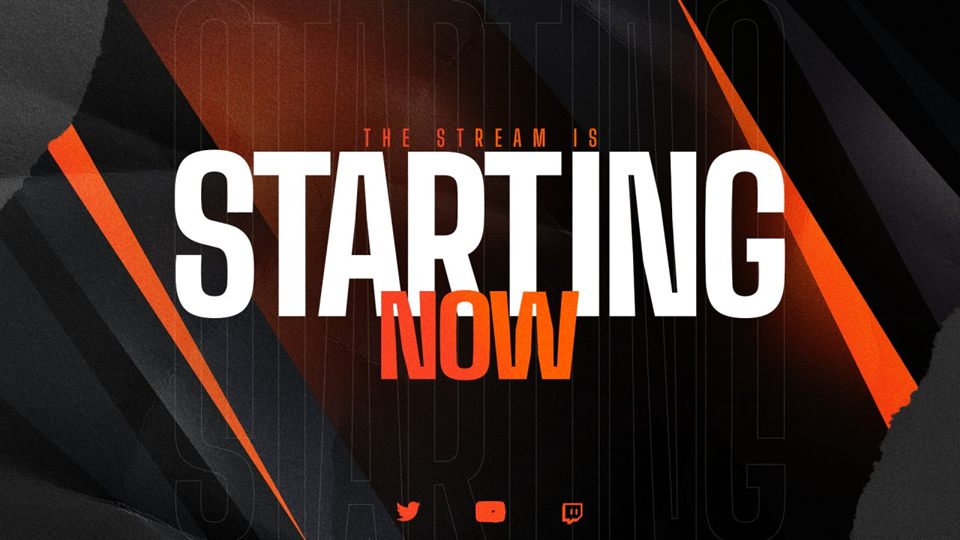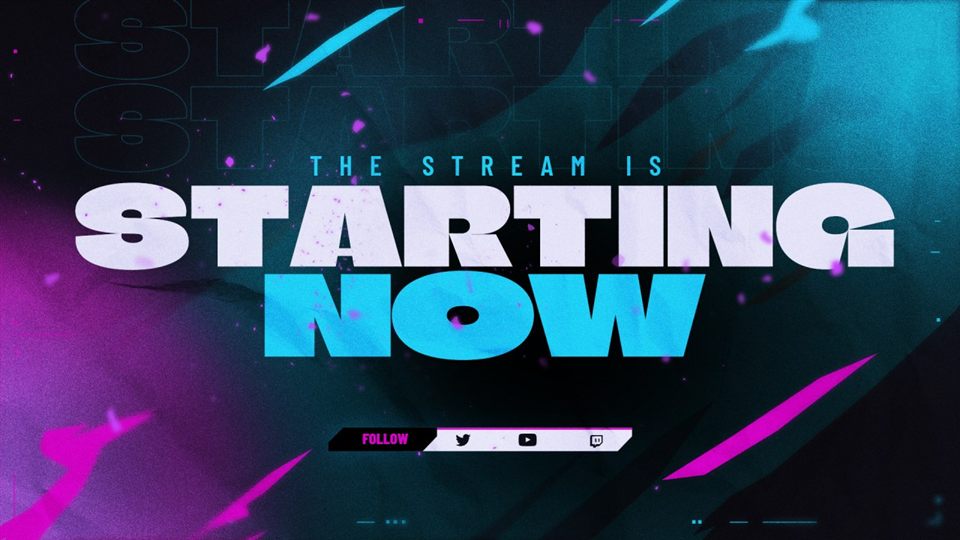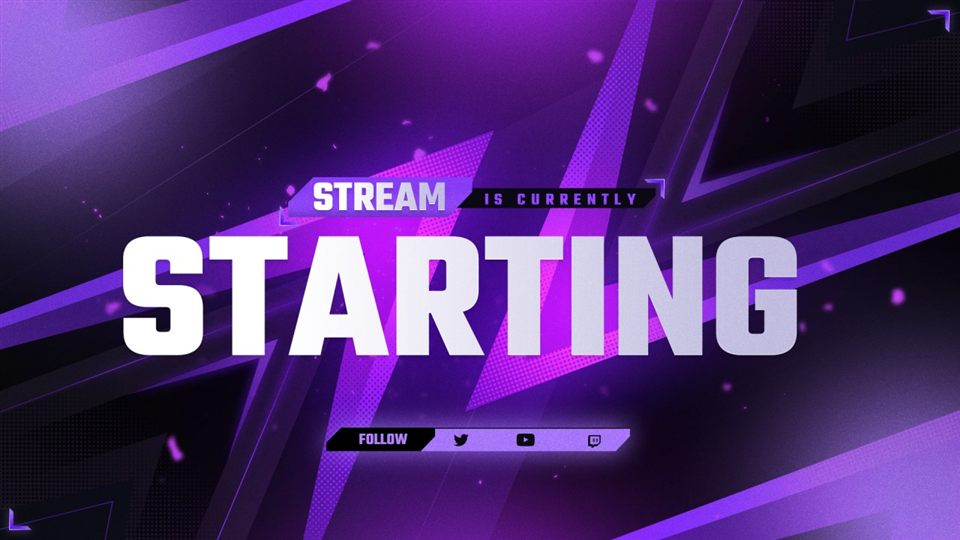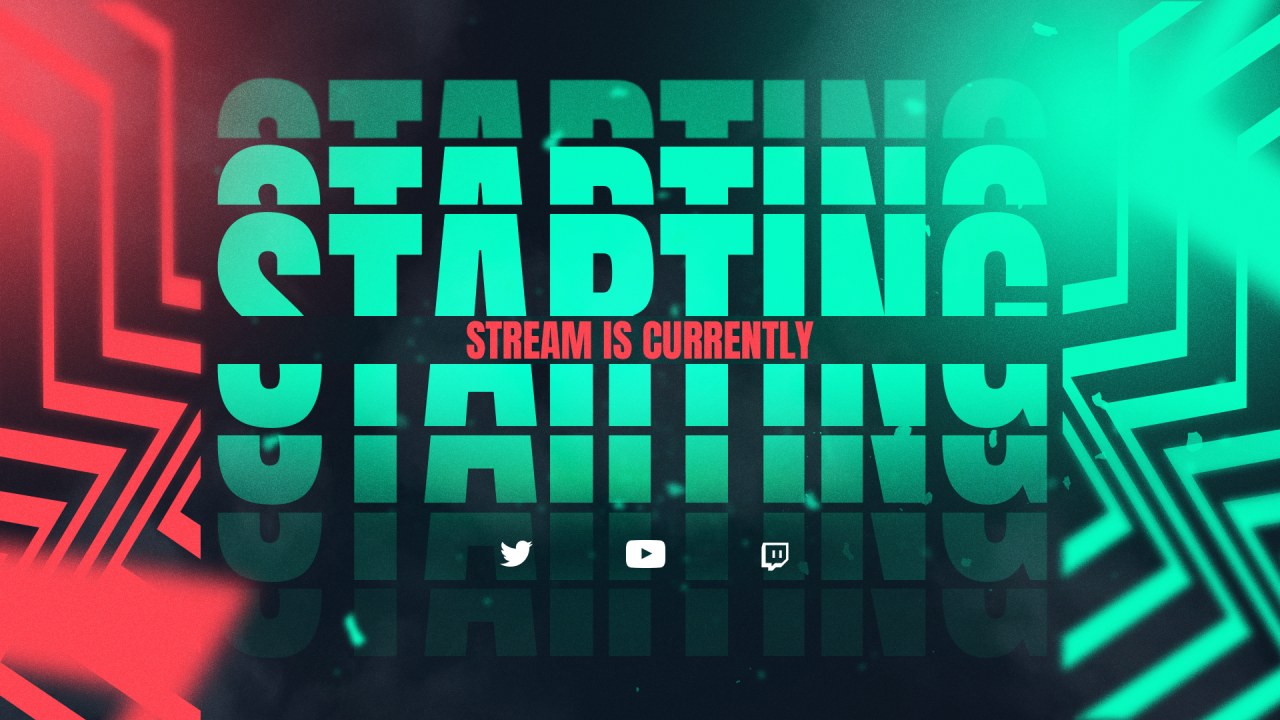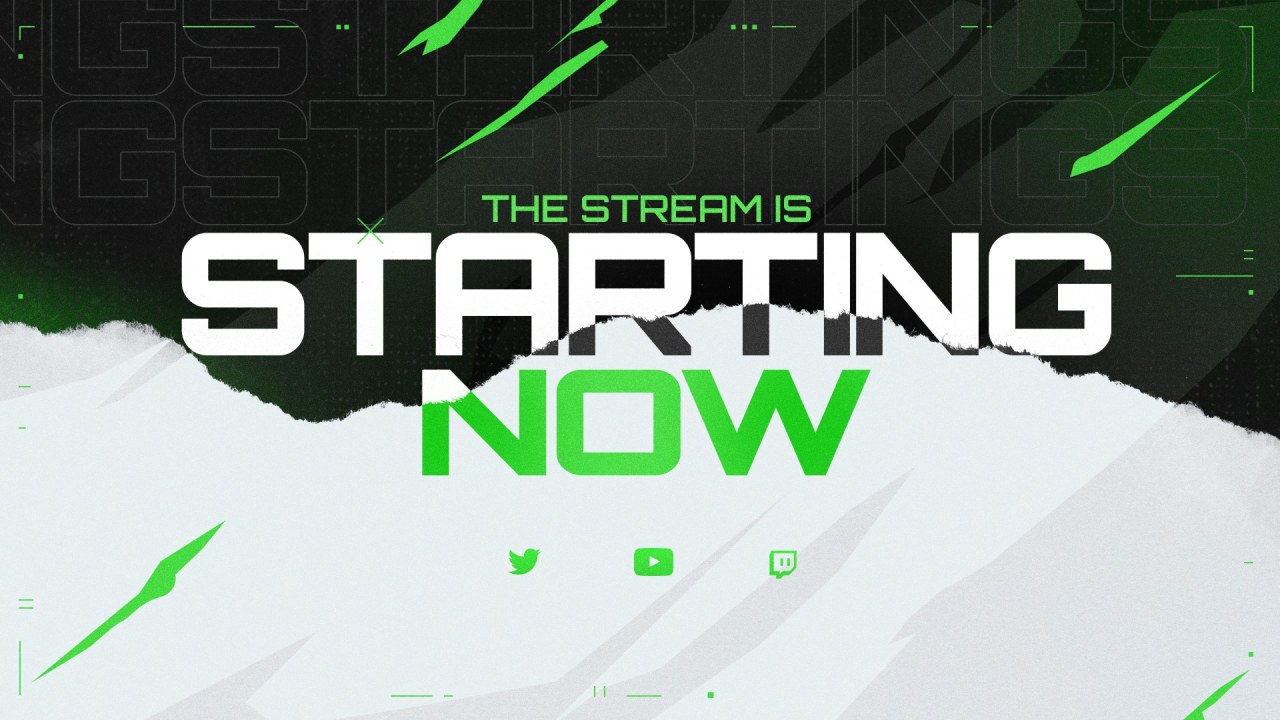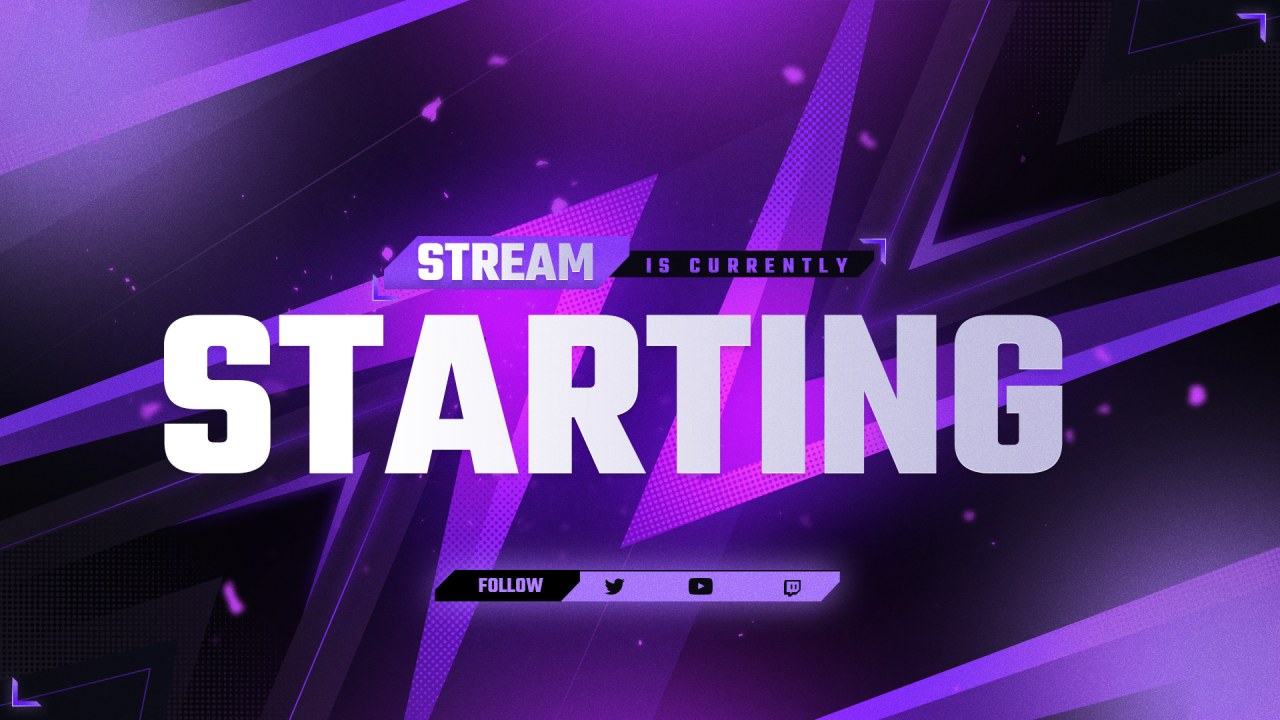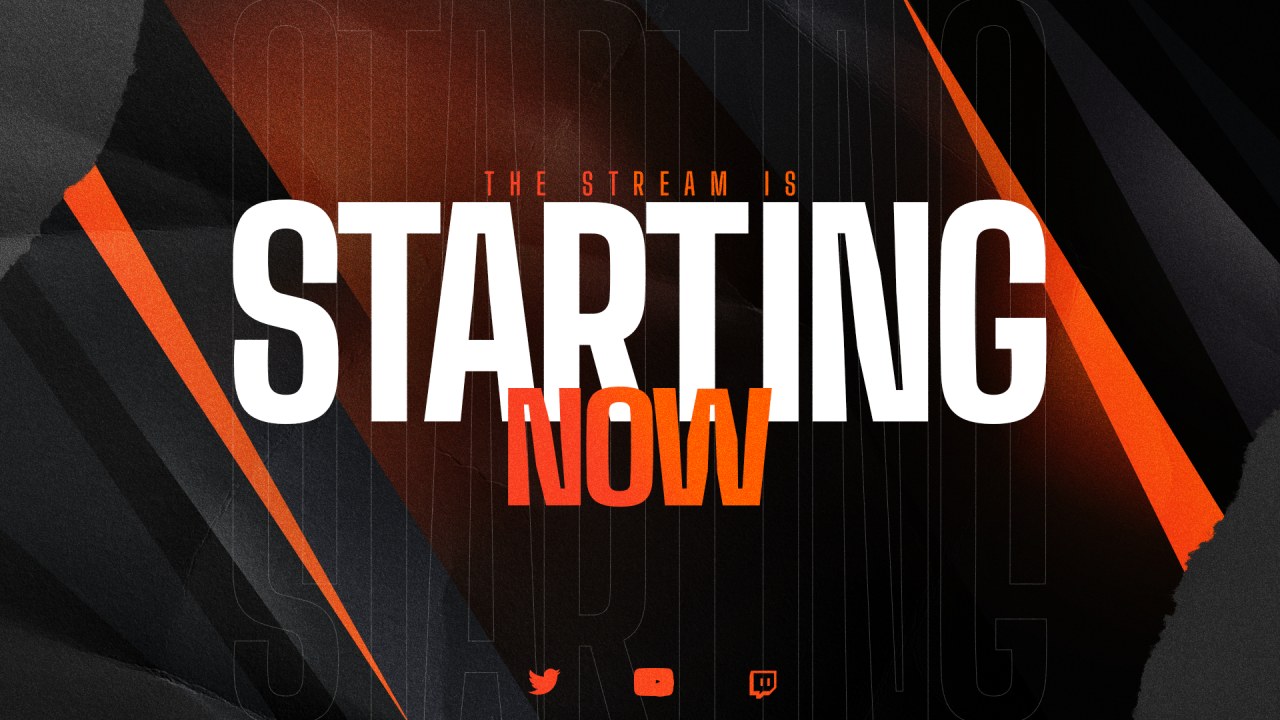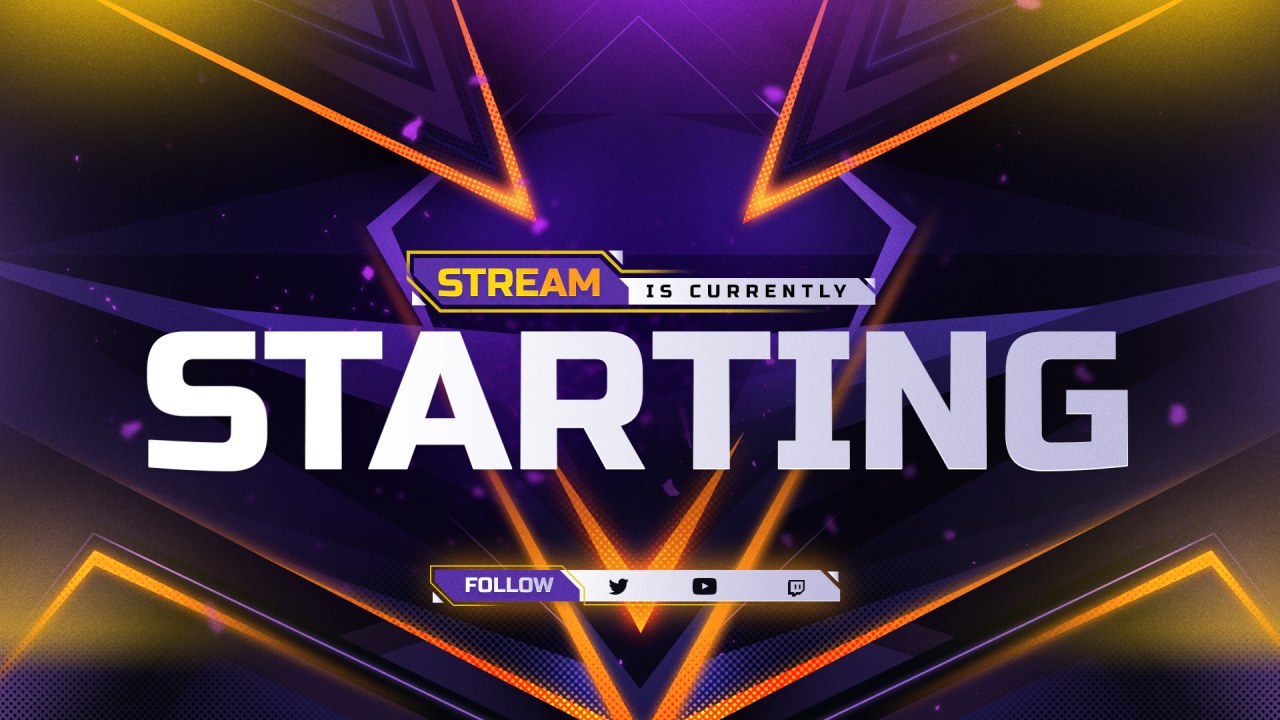
Stream Mask makes overlay packs, channel graphics and free tools for streamers on Twitch, YouTube and Kick. Most people who go live don't have the time, or the wish, to learn graphic design, but their channel should still look good from the very first stream.
So we work on two fronts: complete packs designed in Photoshop for those who want the full set, and free browser tools for those who want to make their own graphics in a few minutes, without an account.
Every tool on this site is free, runs in your browser and needs no account. Use them as often as you like.
Packs come as PNG files ready to add as a source in OBS or Streamlabs, plus editable PSD files with named layers.
A small catalog where each design gets the time it needs, instead of hundreds of quick templates.
Write to support@streammask.com before or after buying. A real person reads and answers every email.
Each pack starts as a layered Photoshop file: screens, facecam frames, panels and alerts in one consistent style.
The complete pack goes to our store with PNG and PSD files, ready to download.
The same artwork powers the free Customizer and several looks of the Overlay Creator, so you can try a design in your colors first.
You pick your colors and text, download, and add the images to OBS or Streamlabs. Our guides walk you through it.
Tell us what you need, or ask anything about a pack before buying. We reply by email.